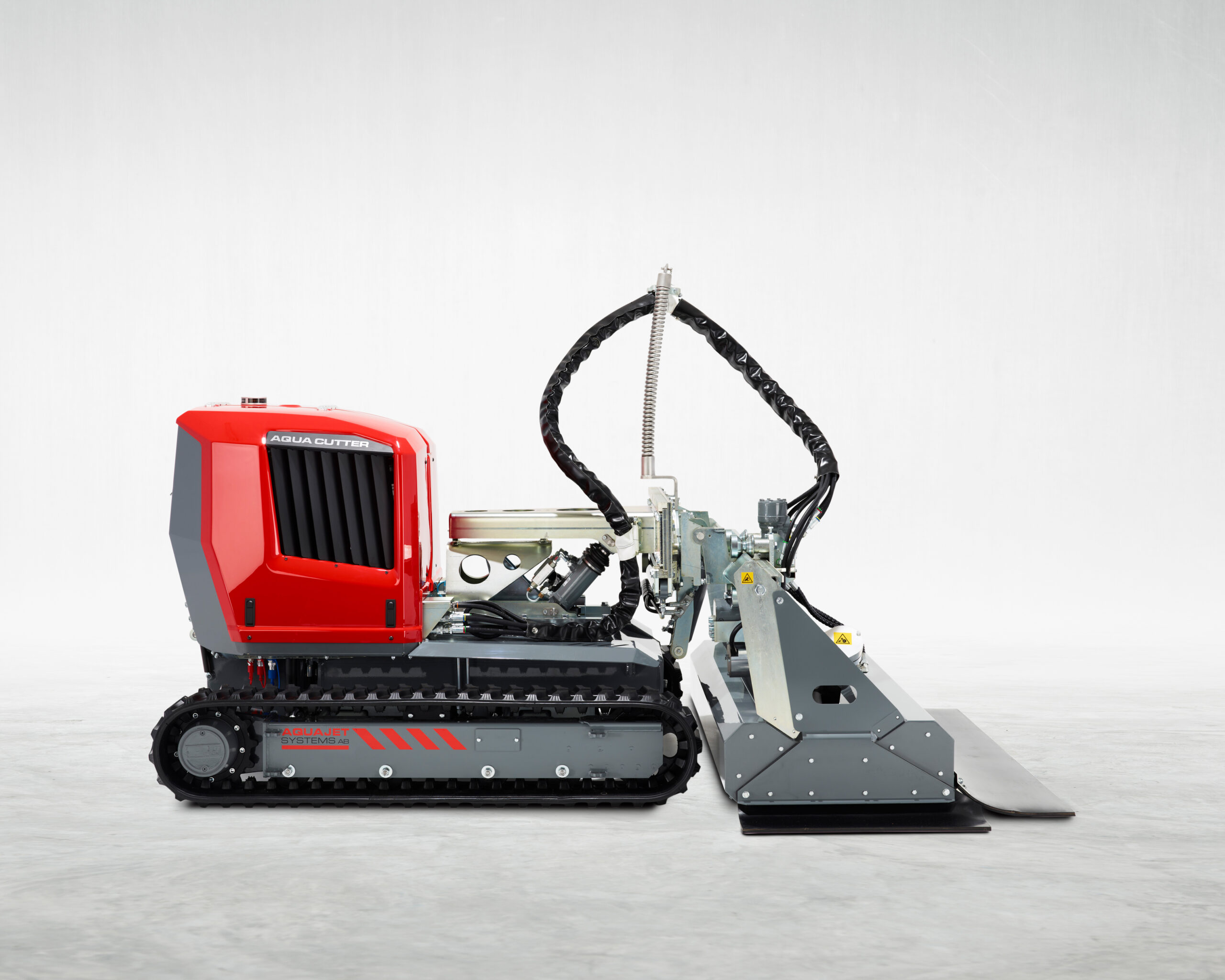
Evolution 2.0
Control system
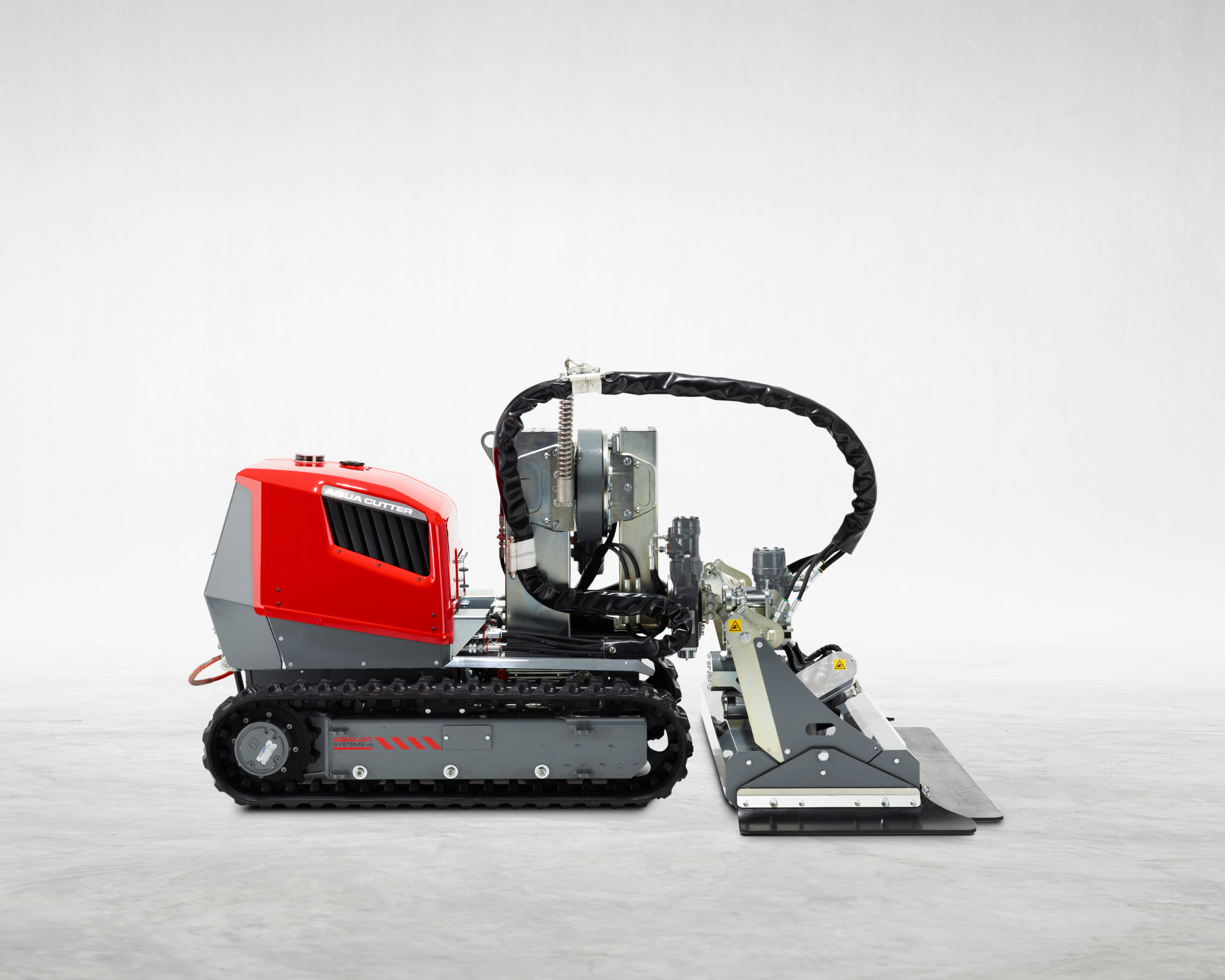
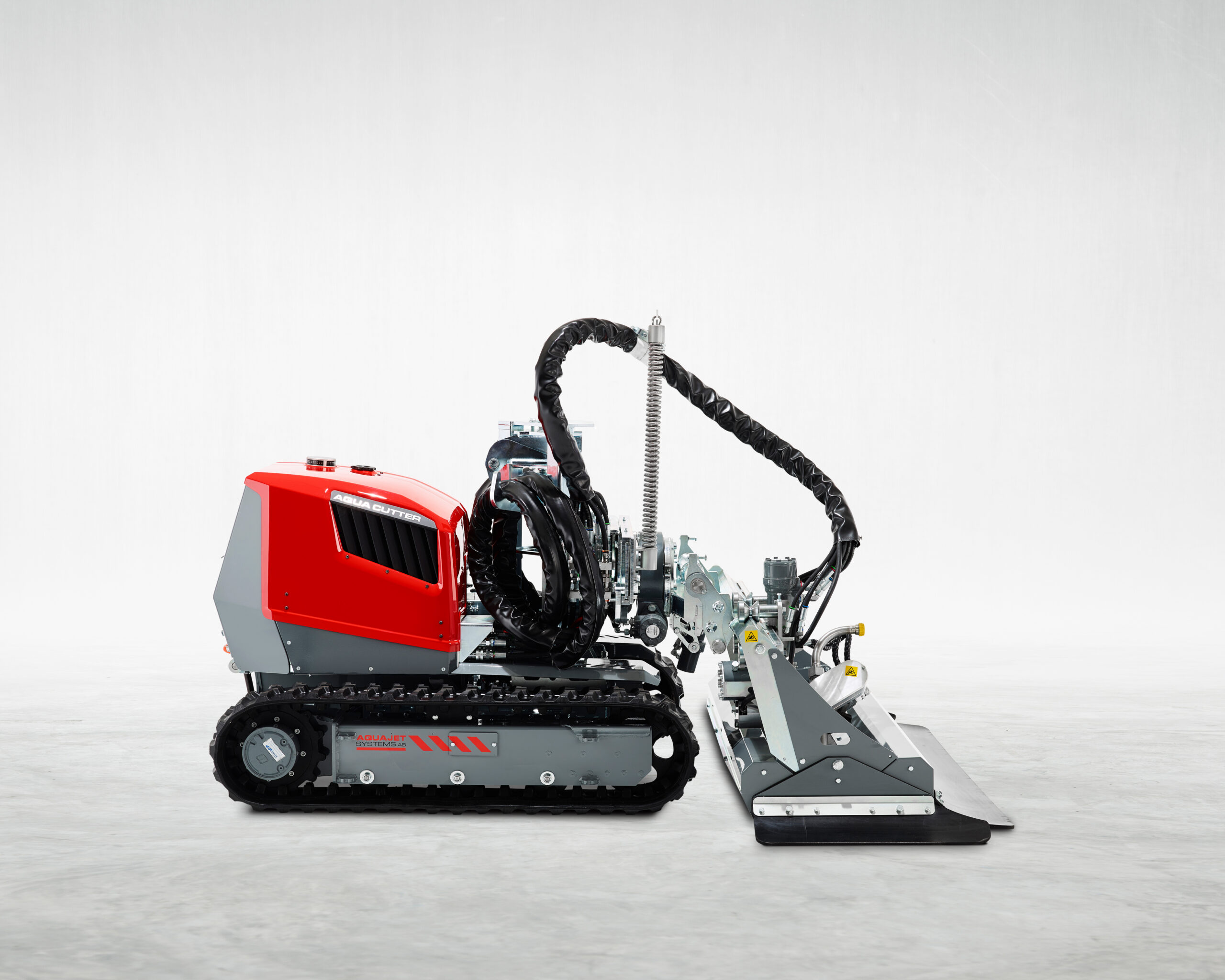
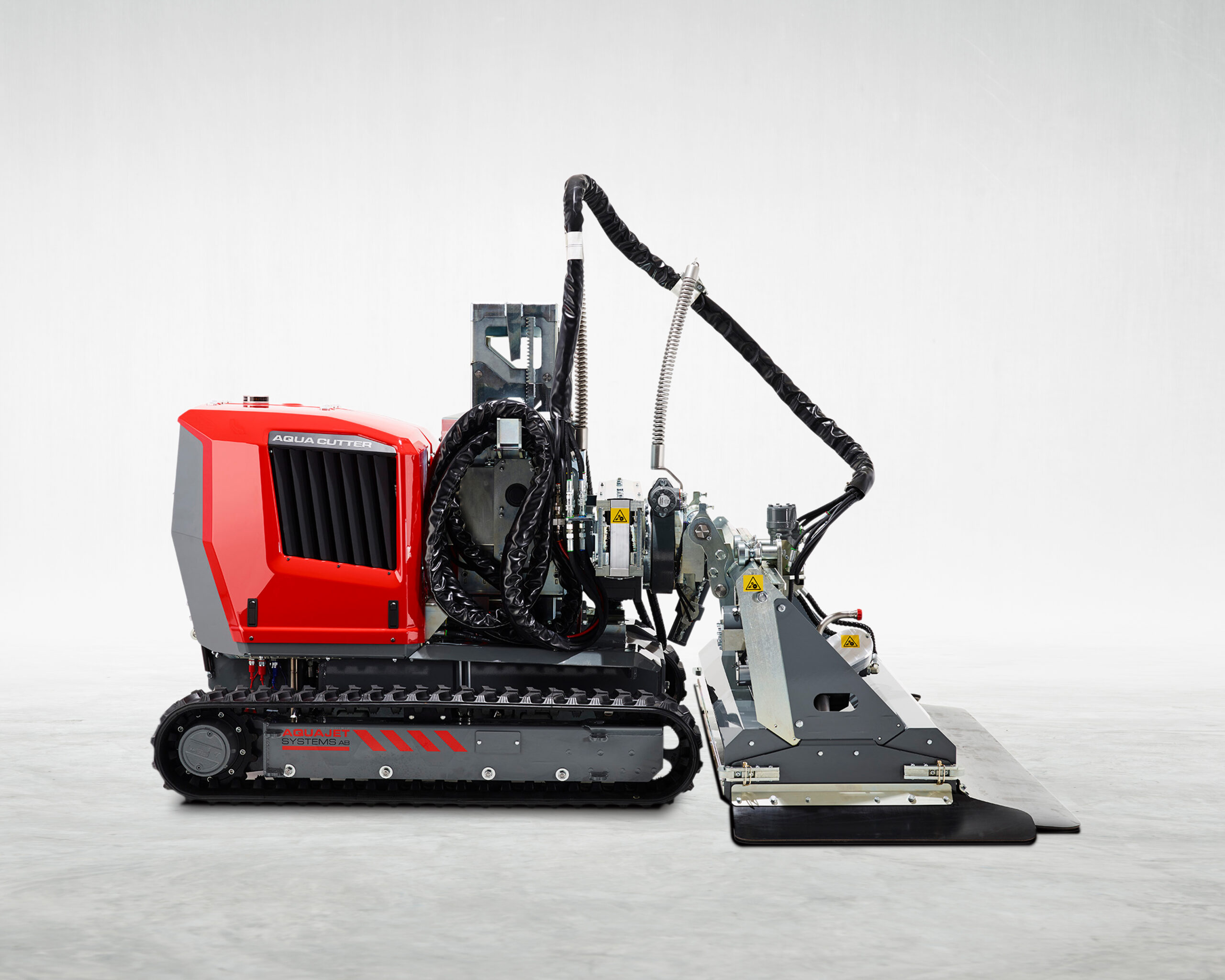
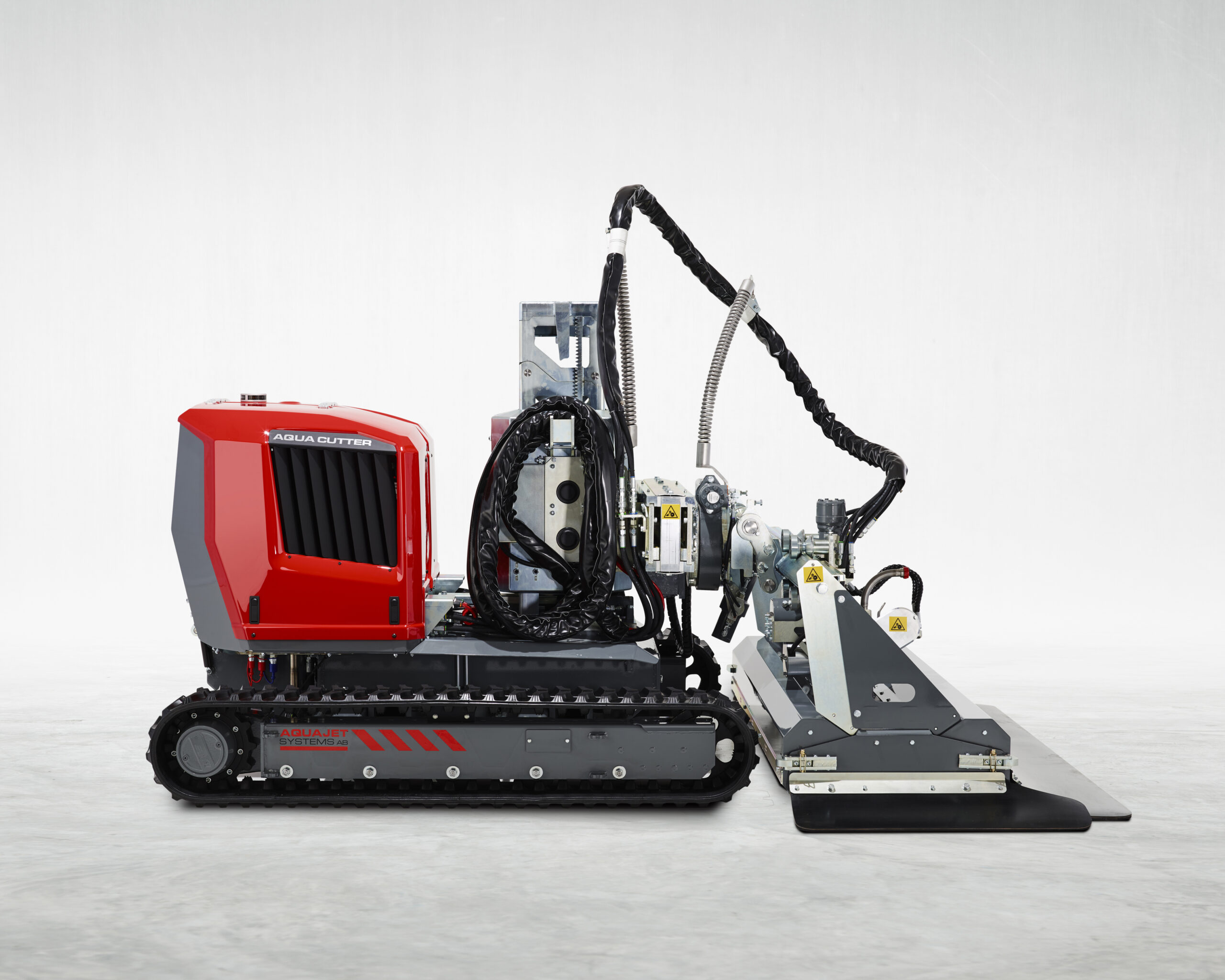
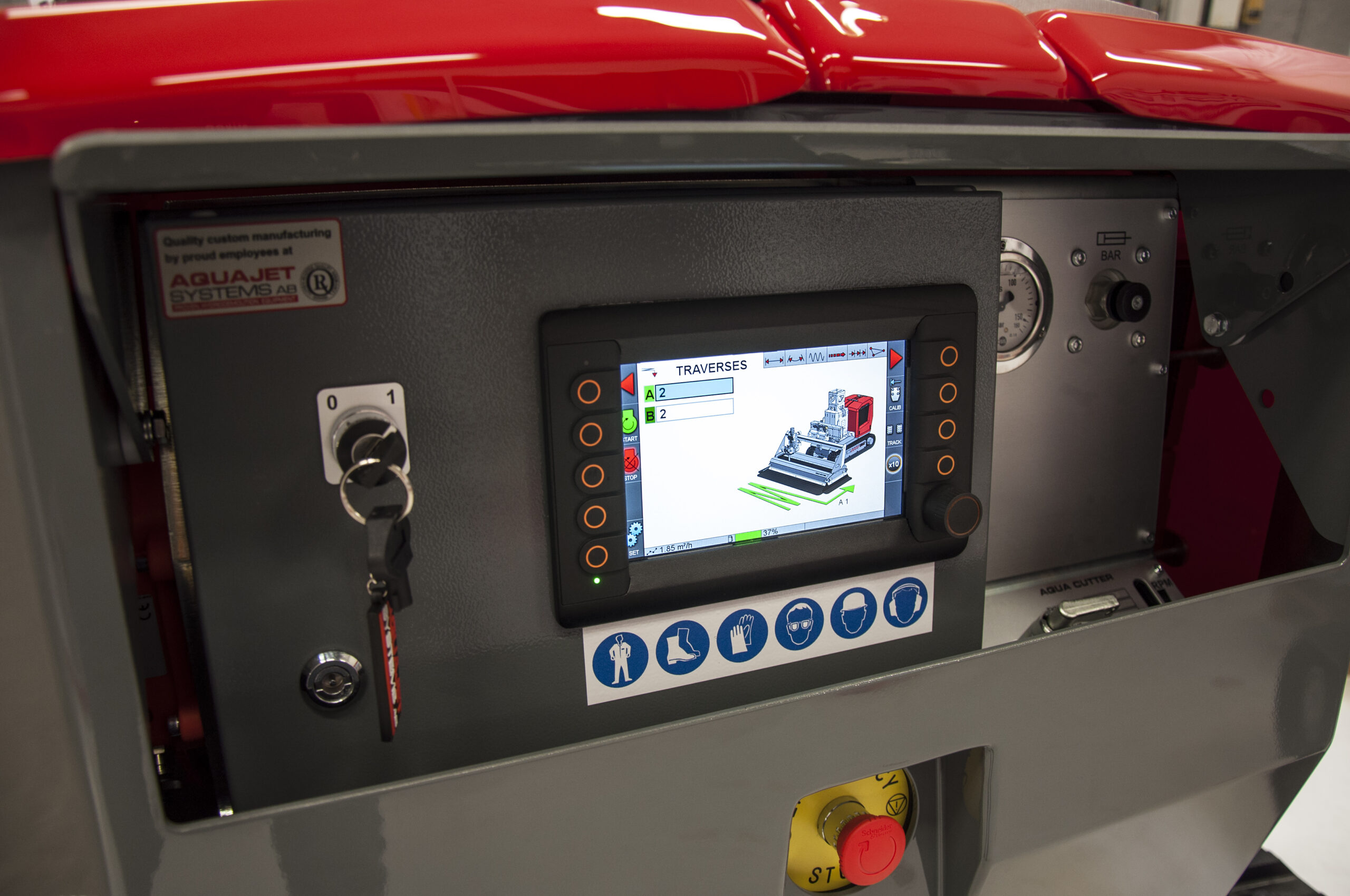
Evolution 2.0 is a proven and reliable control system for the Aqua Cutter 410 and 710, giving operators precise control over all key hydrodemolition parameters. Designed for stability and ease of use, it ensures consistent, predictable results across a wide range of applications.

Proven control.
Reliable performance.
Advanced control made simple
Evolution 2.0 is an advanced control system for the Aqua Cutter 410 and 710, combining precision, flexibility, and intelligent control in one platform.
It enables operators to program geometrical shapes, control removal depth, and adjust oscillation, speed, and lance angle within the same operation. Features such as speed zones and 3D zones allow for highly controlled and selective removal, even on complex or uneven surfaces.
With smart lance control and integration with the Equal Distance System (EDS), the system ensures smooth, precise movements and consistent results. At the same time, its intuitive interface makes it easy to program advanced operations, save settings, and adapt to different applications.
The result:
A flexible, efficient system delivering full control and consistent, high-quality results.
Features
-
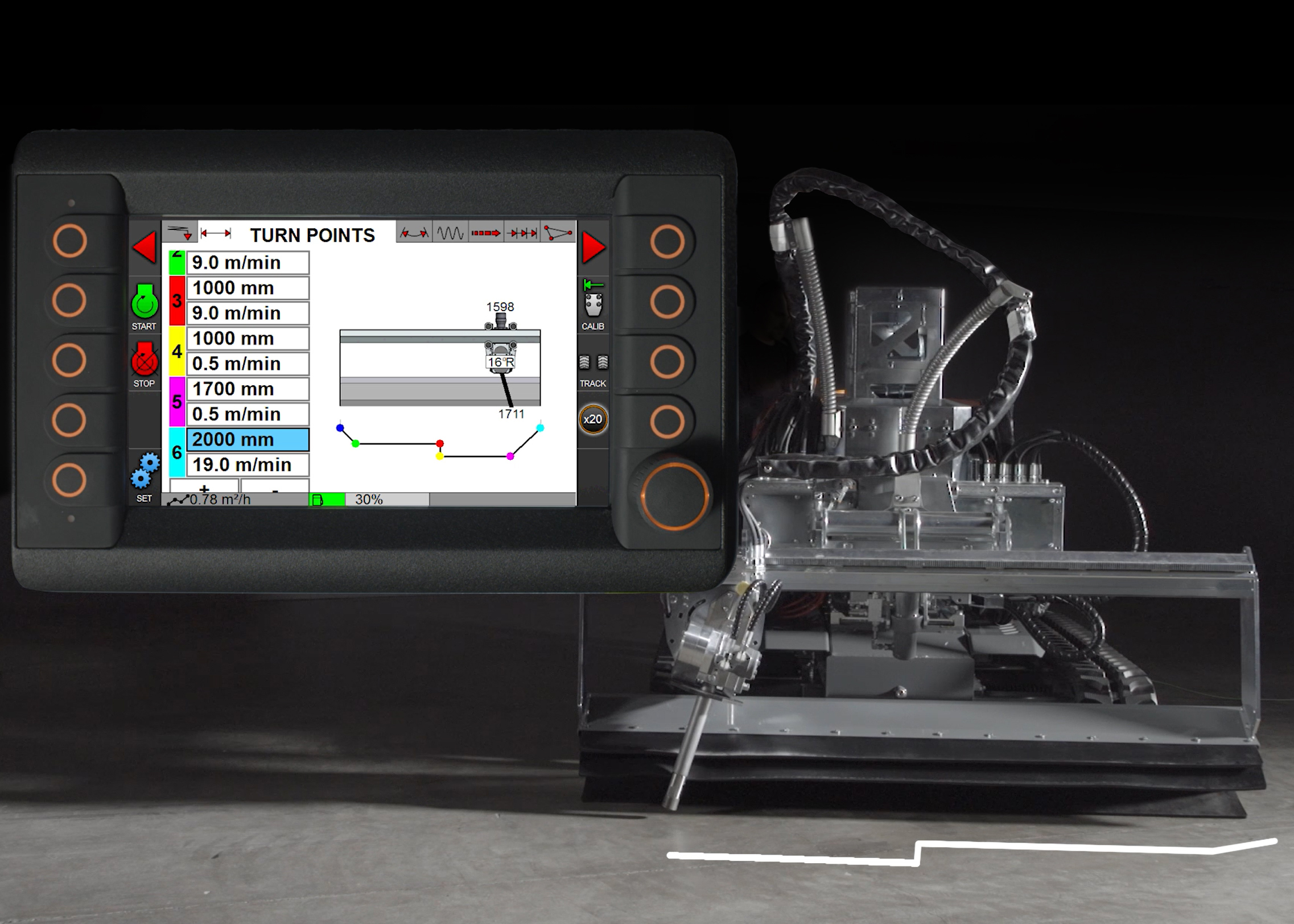
Speed zones
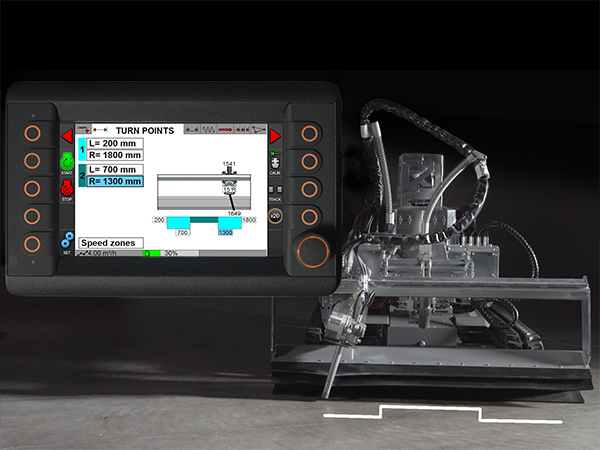
Control speed in different areas of the working cycle to achieve varying removal depths within the same operation. Enables more…
Control speed in different areas of the working cycle to achieve varying removal depths within the same operation. Enables more precise and efficient concrete removal.
-
3D zones
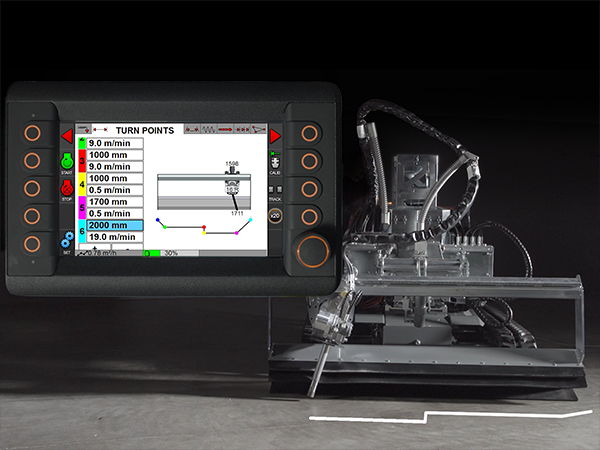
Gradually adjust speed across the working area to create complex shapes and varying depths. Ideal for uneven surfaces and advanced…
Gradually adjust speed across the working area to create complex shapes and varying depths. Ideal for uneven surfaces and advanced applications.
-
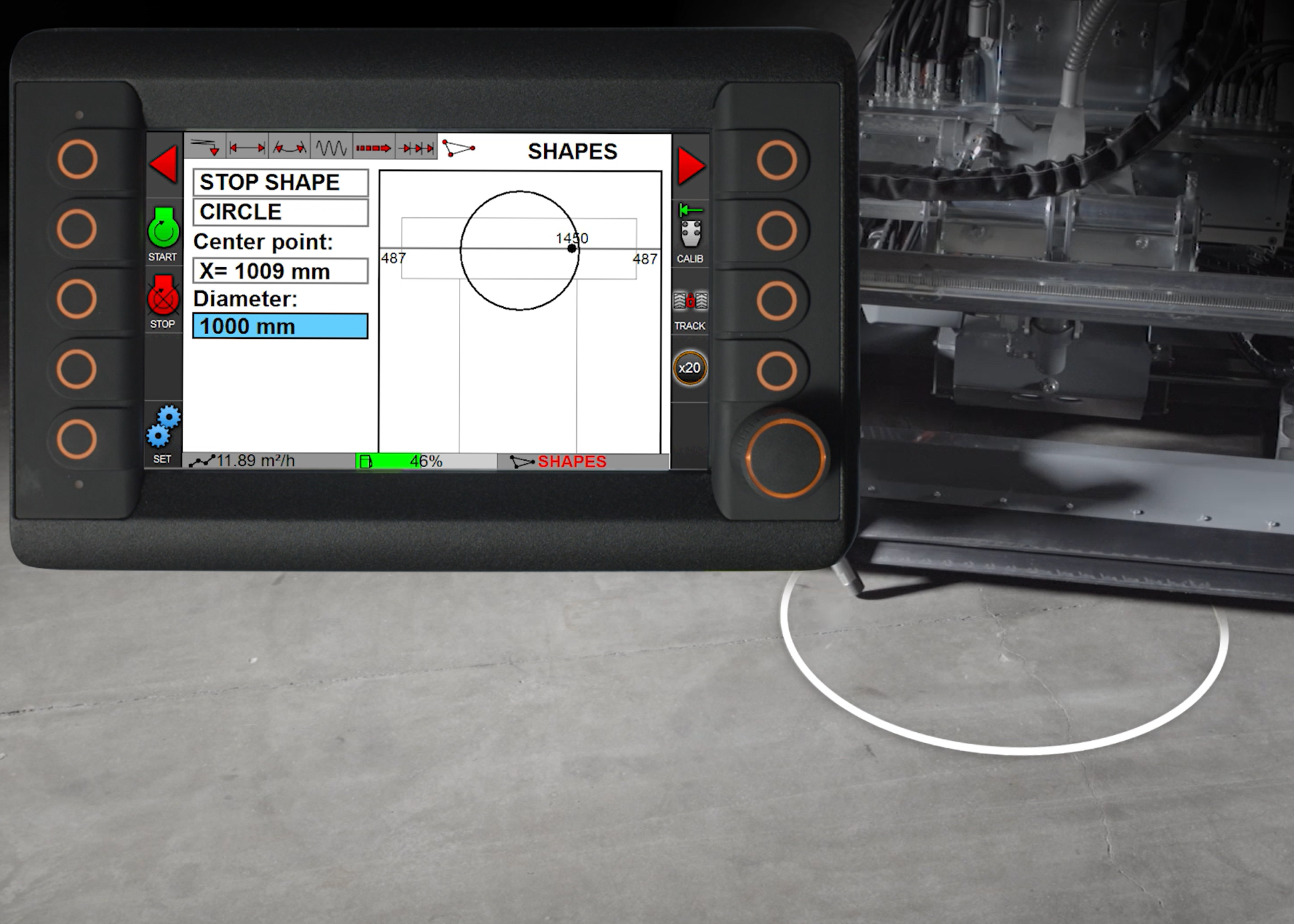
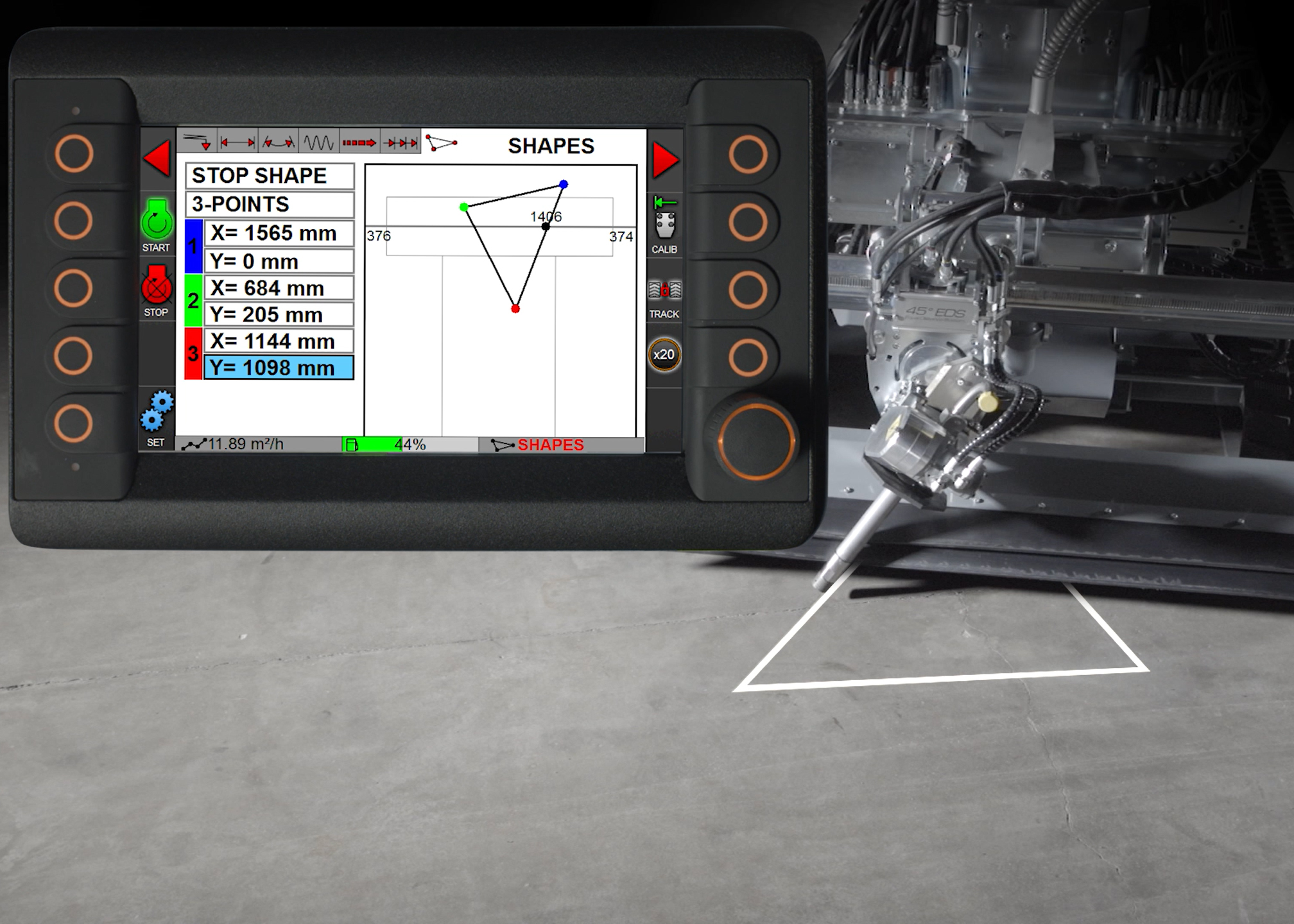
Geometrical shapes
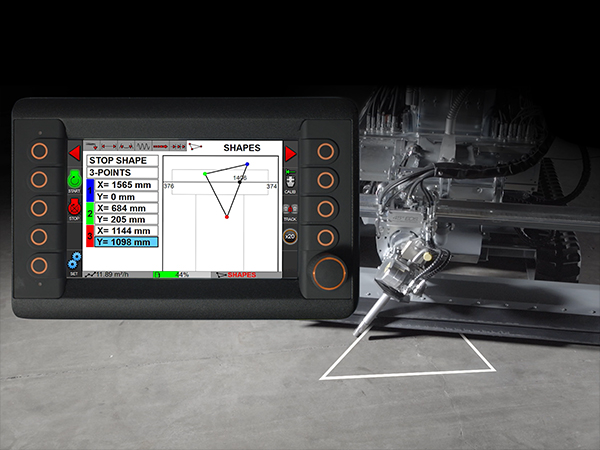
Program and cut predefined shapes such as circles, triangles, squares, and custom geometries. Can be entered directly or taught by…
Program and cut predefined shapes such as circles, triangles, squares, and custom geometries. Can be entered directly or taught by the robot.
-
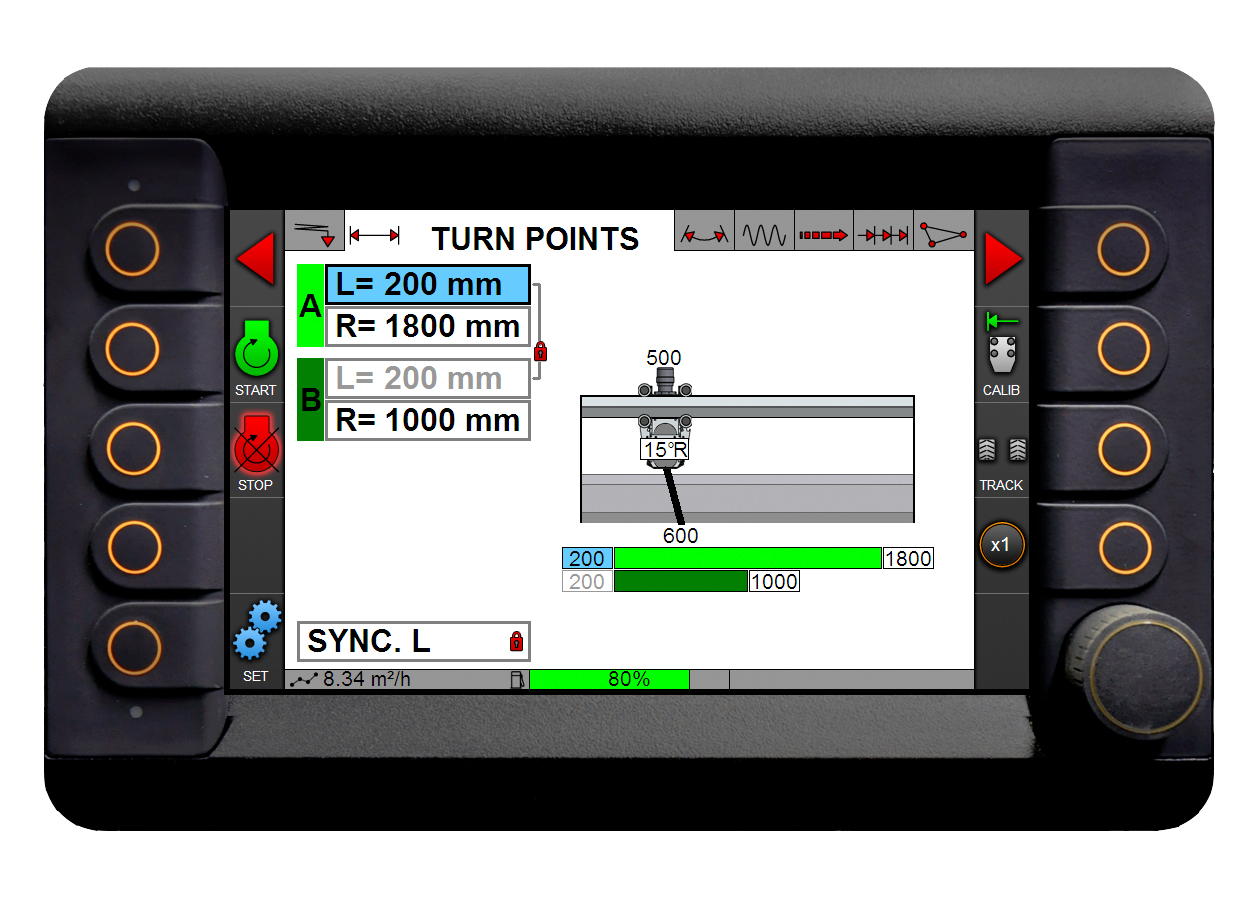
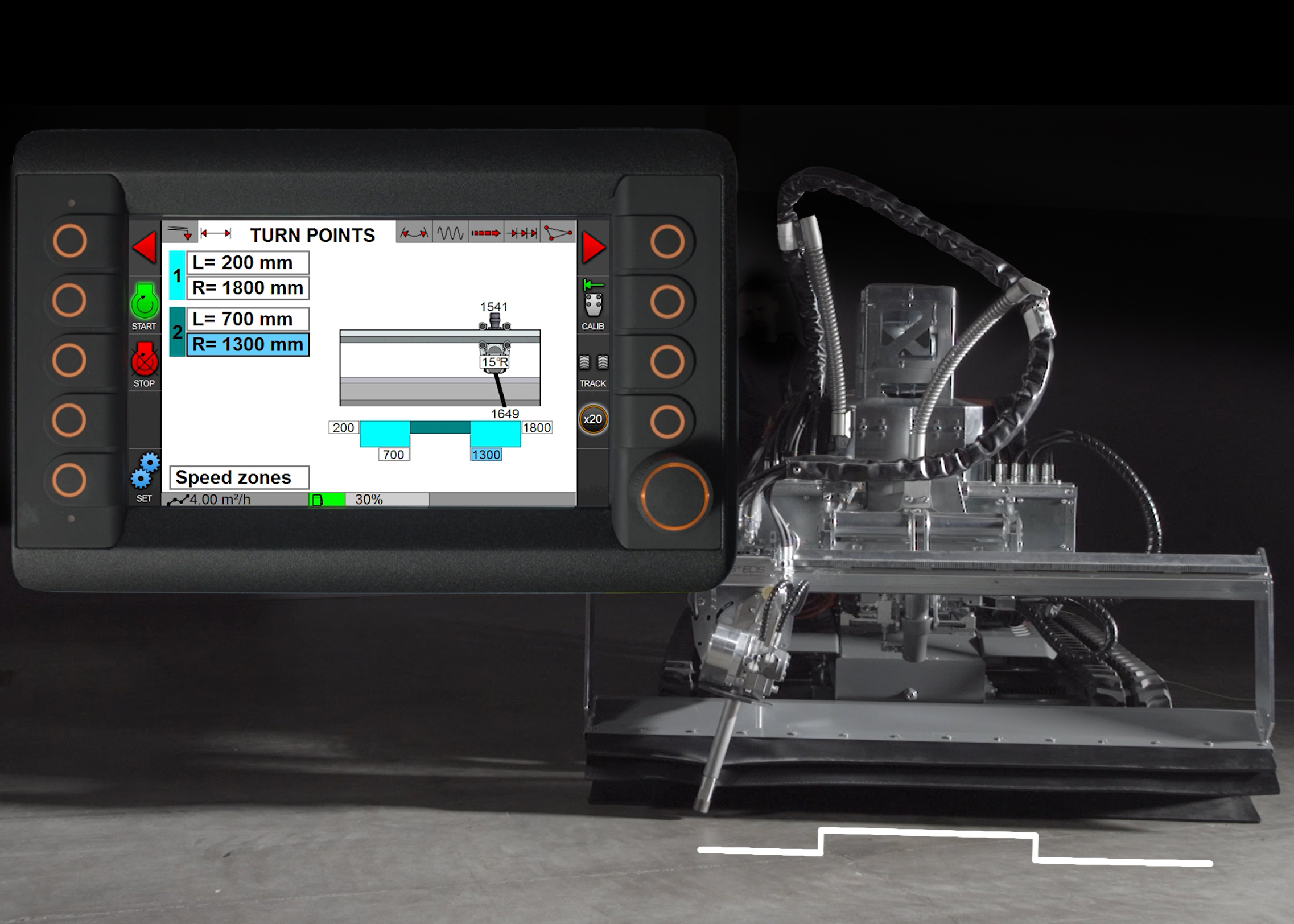
Turn points
Define exact working boundaries for the lance, ensuring controlled operating width and consistent results across the entire surface.
Define exact working boundaries for the lance, ensuring controlled operating width and consistent results across the entire surface.
-
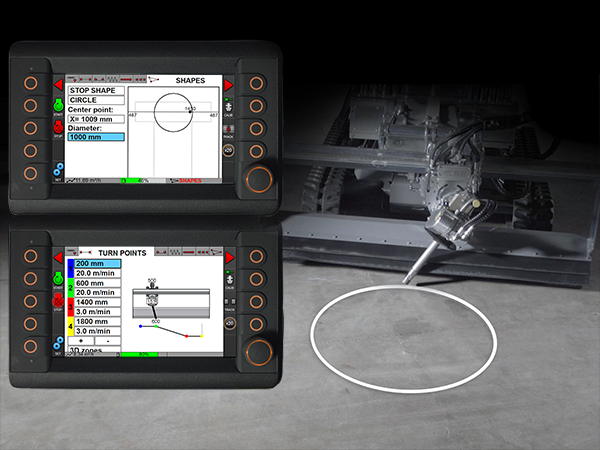
3D zones combined with shapes
Combine programmable shapes with advanced depth control to create complex geometries in a single operation. By integrating 3D zones with…
Combine programmable shapes with advanced depth control to create complex geometries in a single operation. By integrating 3D zones with shapes, the system can cut forms with varying depths, angles, or inclinations—enabling precise removal in demanding or irregular structures.
-
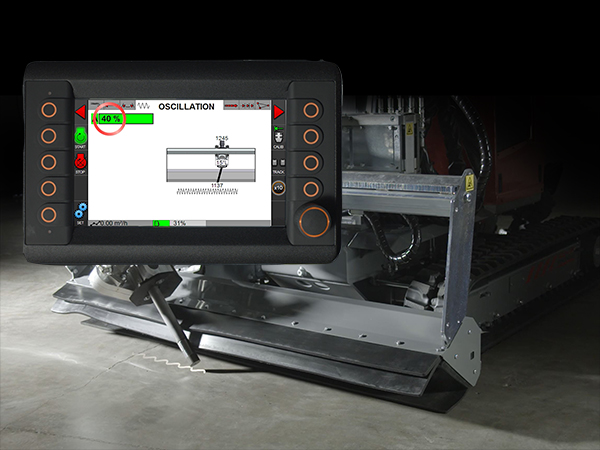
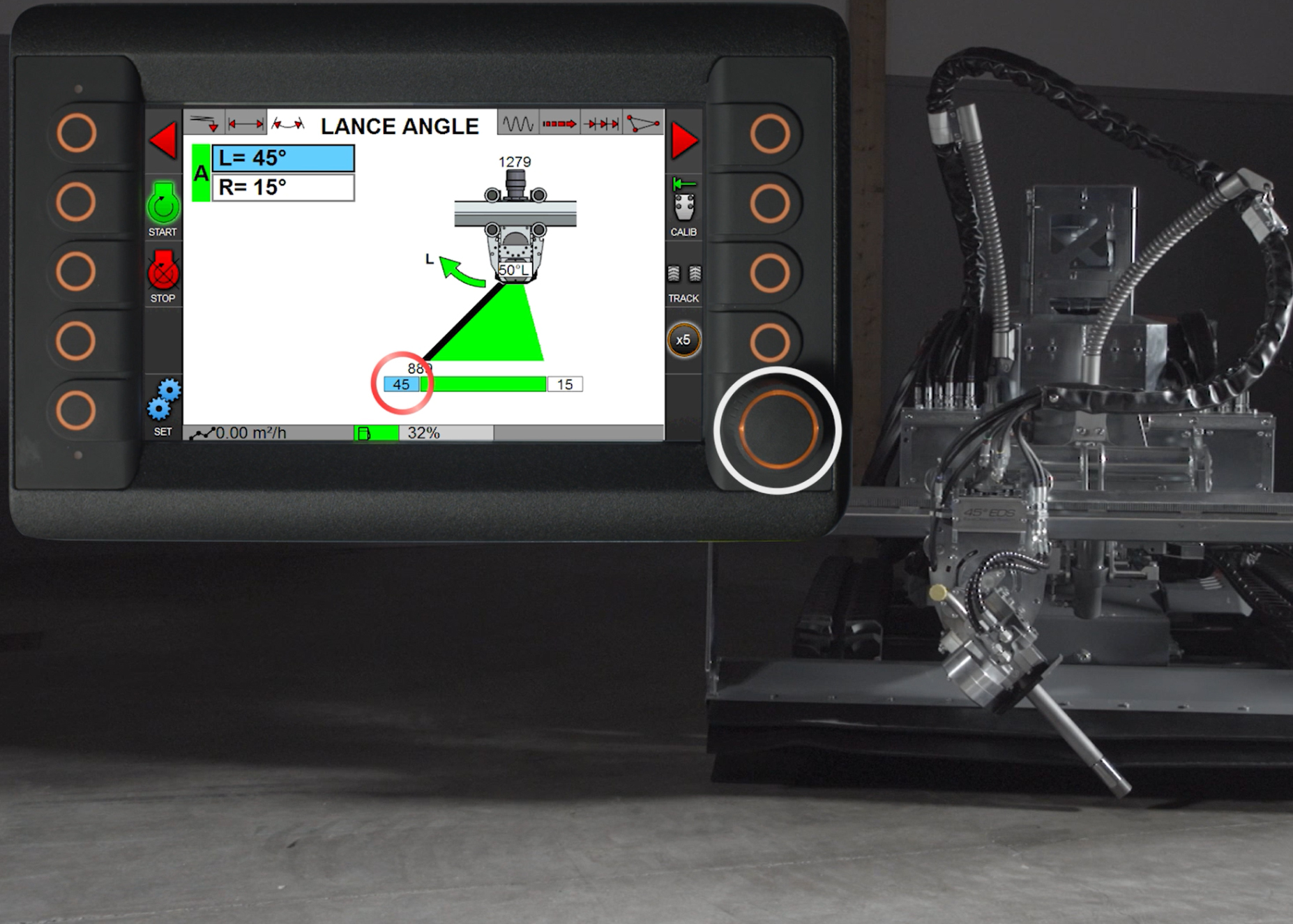
Smart lance control
Automatically optimizes lance movement, oscillation patterns, and turning behavior for smooth operation, improved surface quality, and reduced wear on components.
Automatically optimizes lance movement, oscillation patterns, and turning behavior for smooth operation, improved surface quality, and reduced wear on components.
-
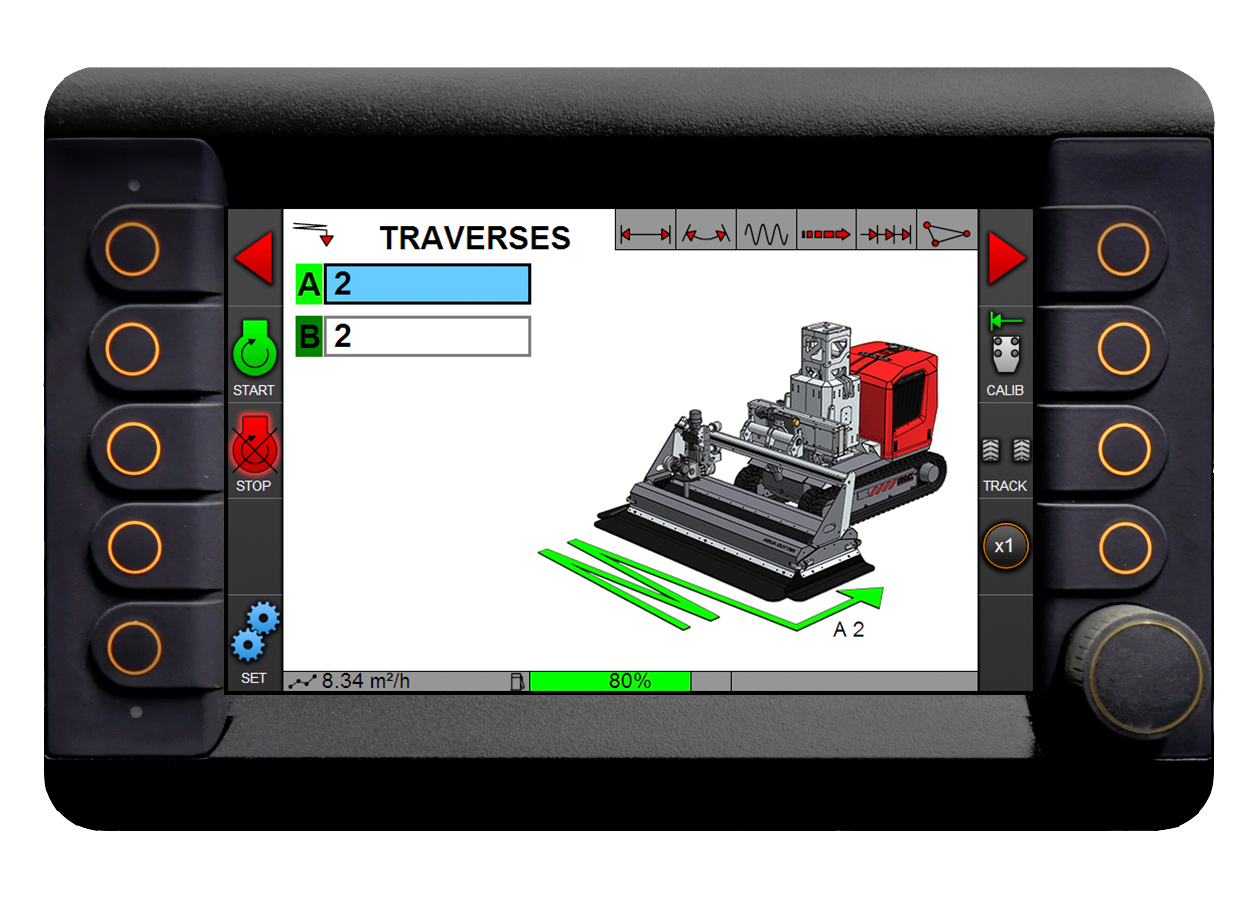
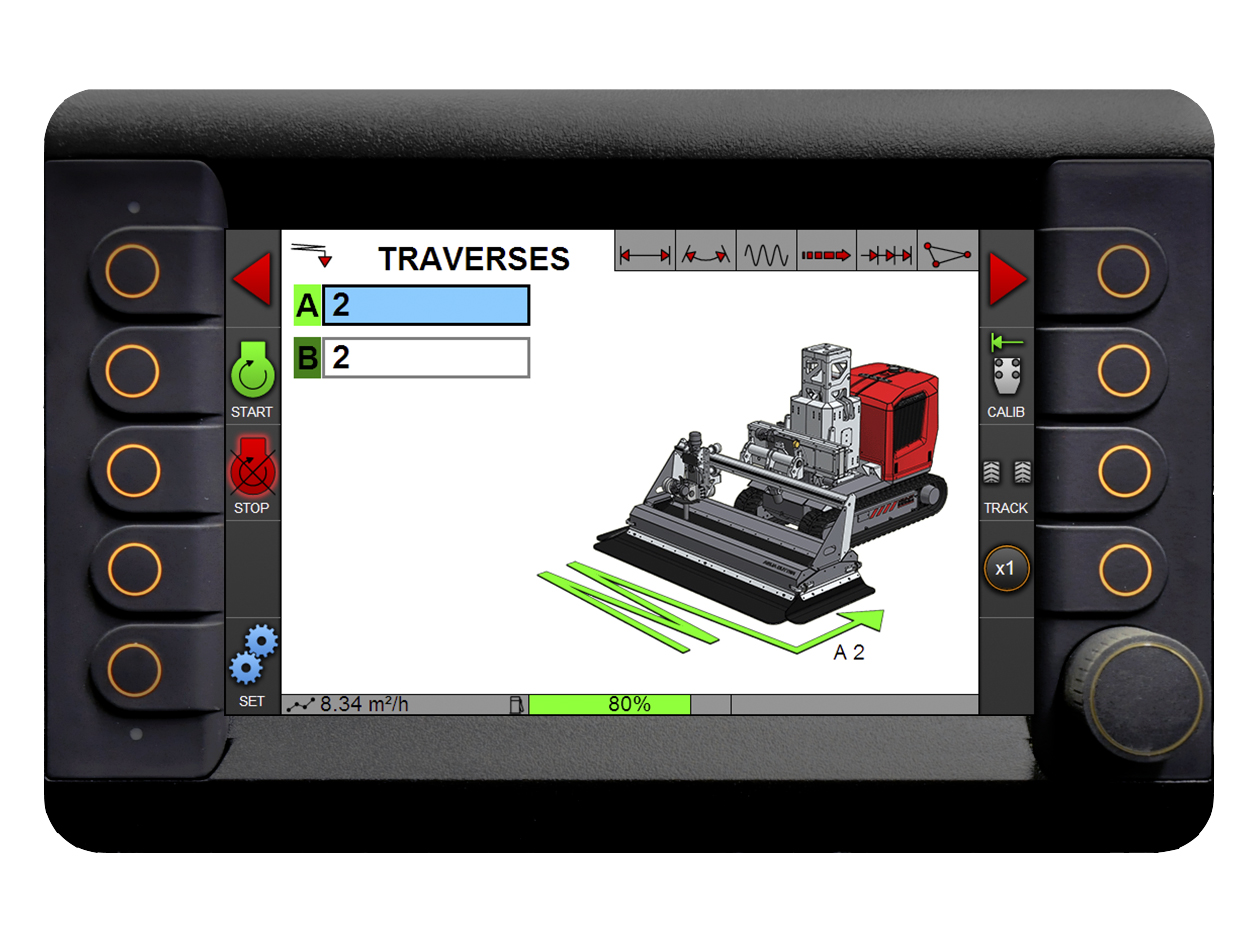
Traverses (A/B cycles)
Run multiple passes with different settings—such as speed, angle, or depth—within the same operation cycle for optimized removal and surface…
Run multiple passes with different settings—such as speed, angle, or depth—within the same operation cycle for optimized removal and surface finish.
-
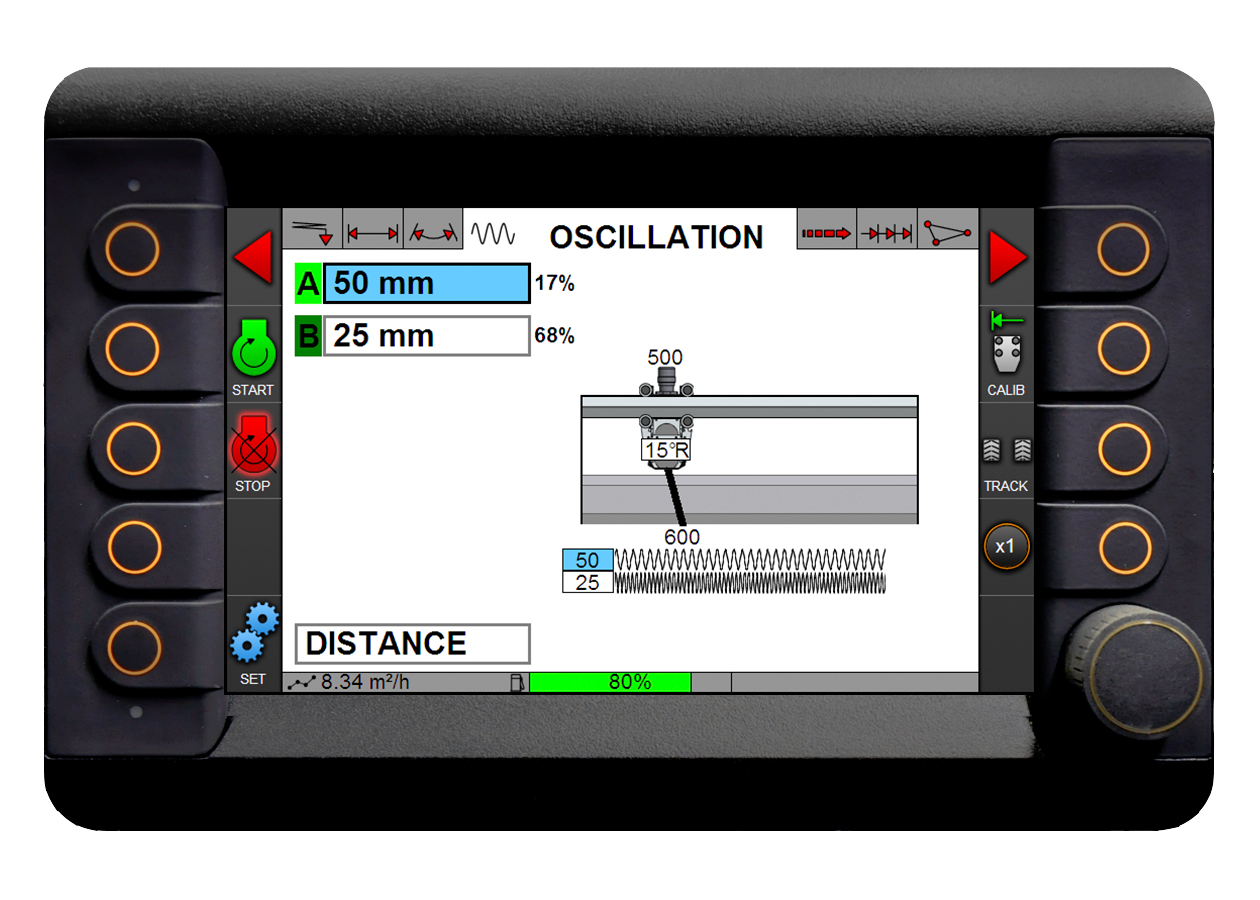
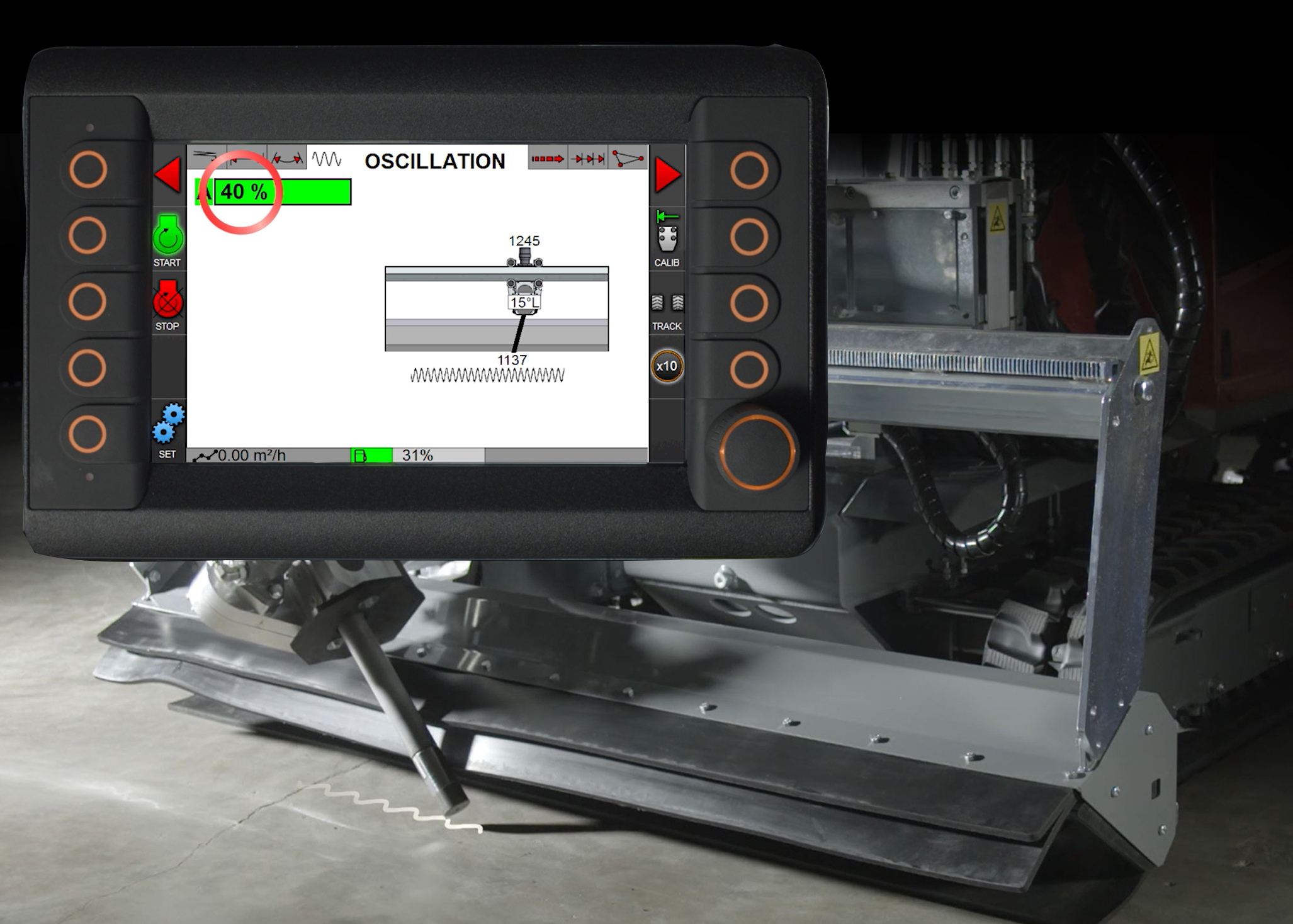
Oscillation control
Adjust oscillation pattern, speed, and stroke length to balance removal rate and surface quality. Multiple patterns can be combined in…
Adjust oscillation pattern, speed, and stroke length to balance removal rate and surface quality. Multiple patterns can be combined in one operation.
-
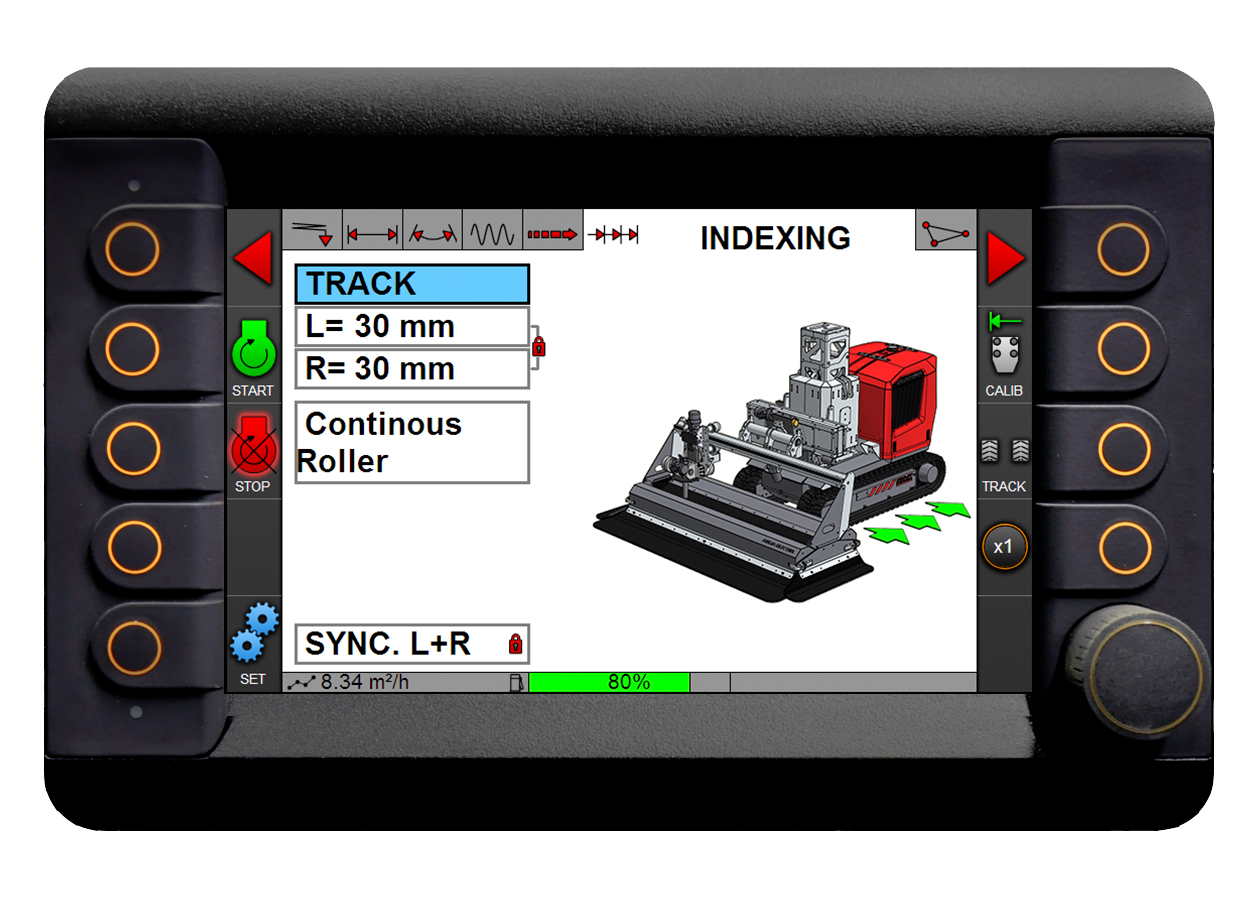
Indexing control
Set precise step movement of the robot (tracks or hoist) between passes, ensuring consistent coverage and accurate progression across the…
Set precise step movement of the robot (tracks or hoist) between passes, ensuring consistent coverage and accurate progression across the surface.
-
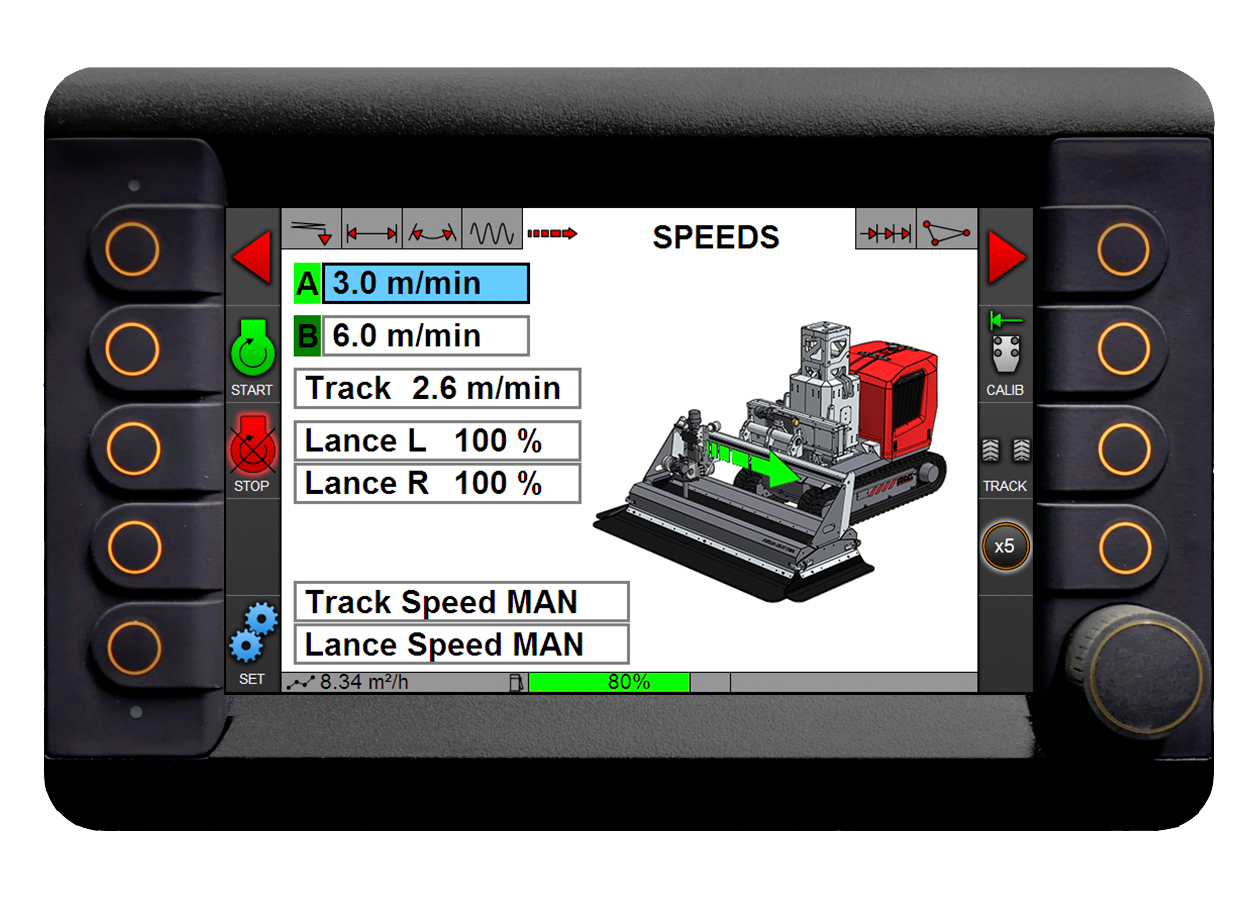
Flexible speed control
Independently adjust speeds for different passes and zones to optimize productivity and achieve the desired surface finish.
Independently adjust speeds for different passes and zones to optimize productivity and achieve the desired surface finish.
-
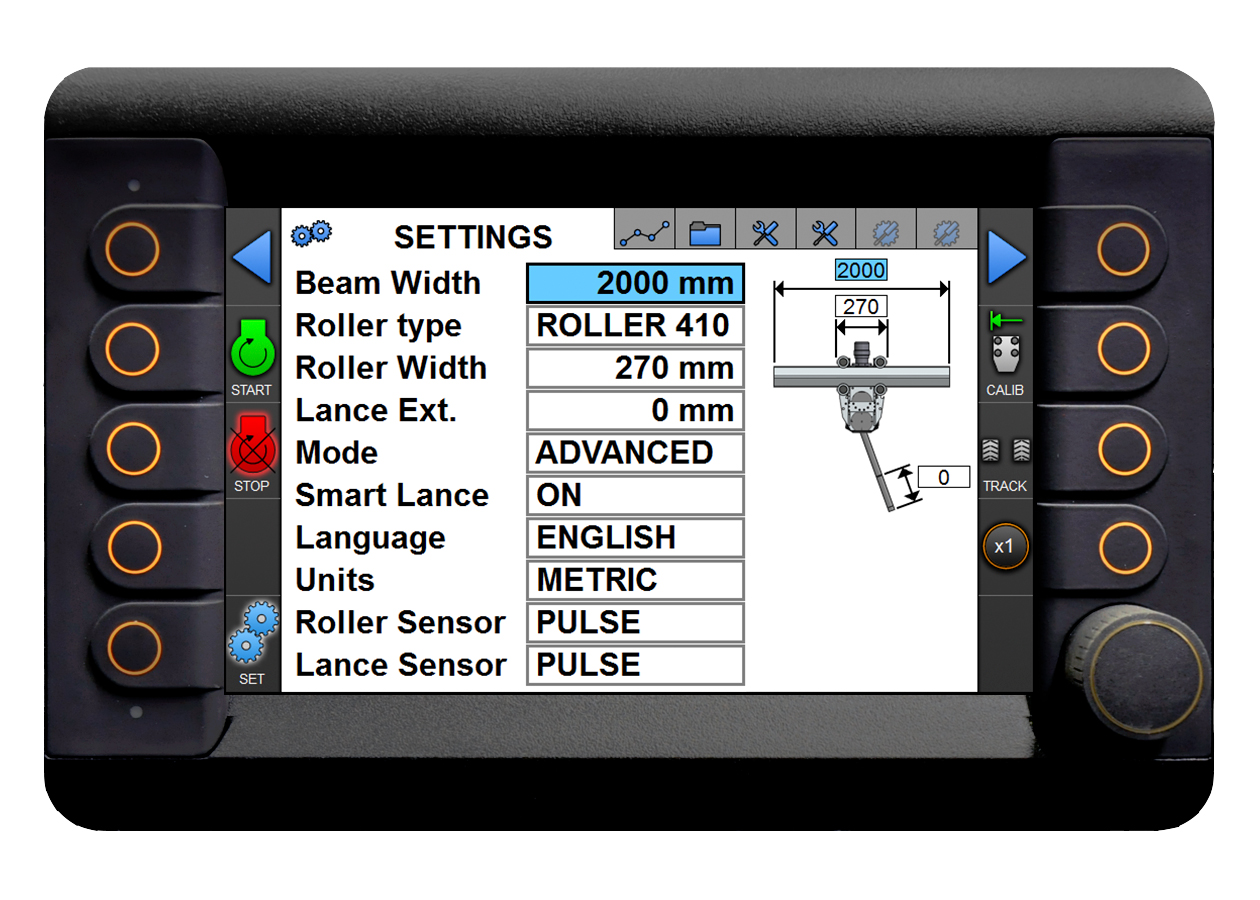
Configuration & modes
Switch between basic and advanced modes, configure sensors, tools, and setups to match different applications and equipment.
Switch between basic and advanced modes, configure sensors, tools, and setups to match different applications and equipment.
-
Save & reuse settings
Store complete job setups and reload them for future projects, ensuring repeatability and faster machine setup.
Store complete job setups and reload them for future projects, ensuring repeatability and faster machine setup.
-
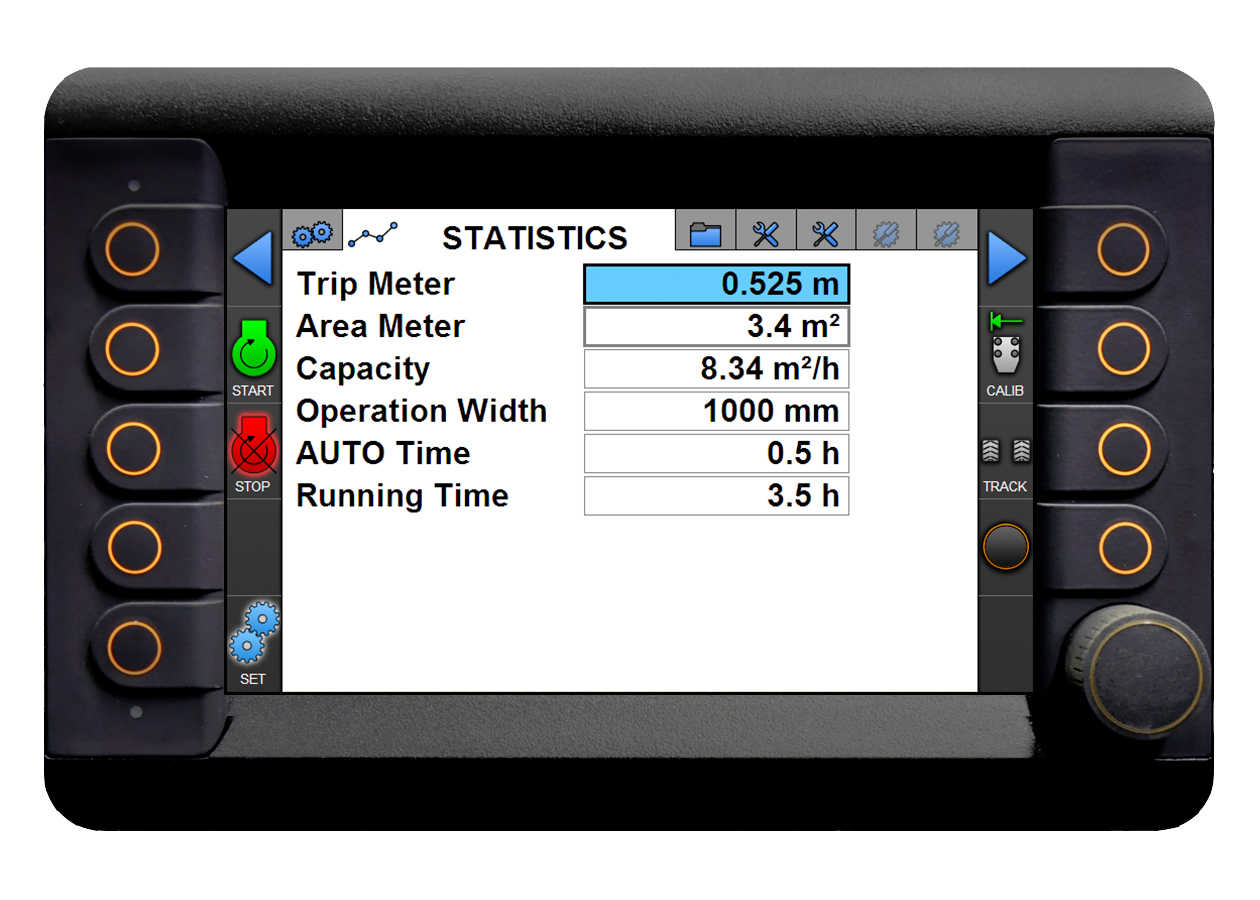
Real-time statistics
Monitor productivity, capacity, operating width, and working time directly in the system for better planning and optimization.
Monitor productivity, capacity, operating width, and working time directly in the system for better planning and optimization.